
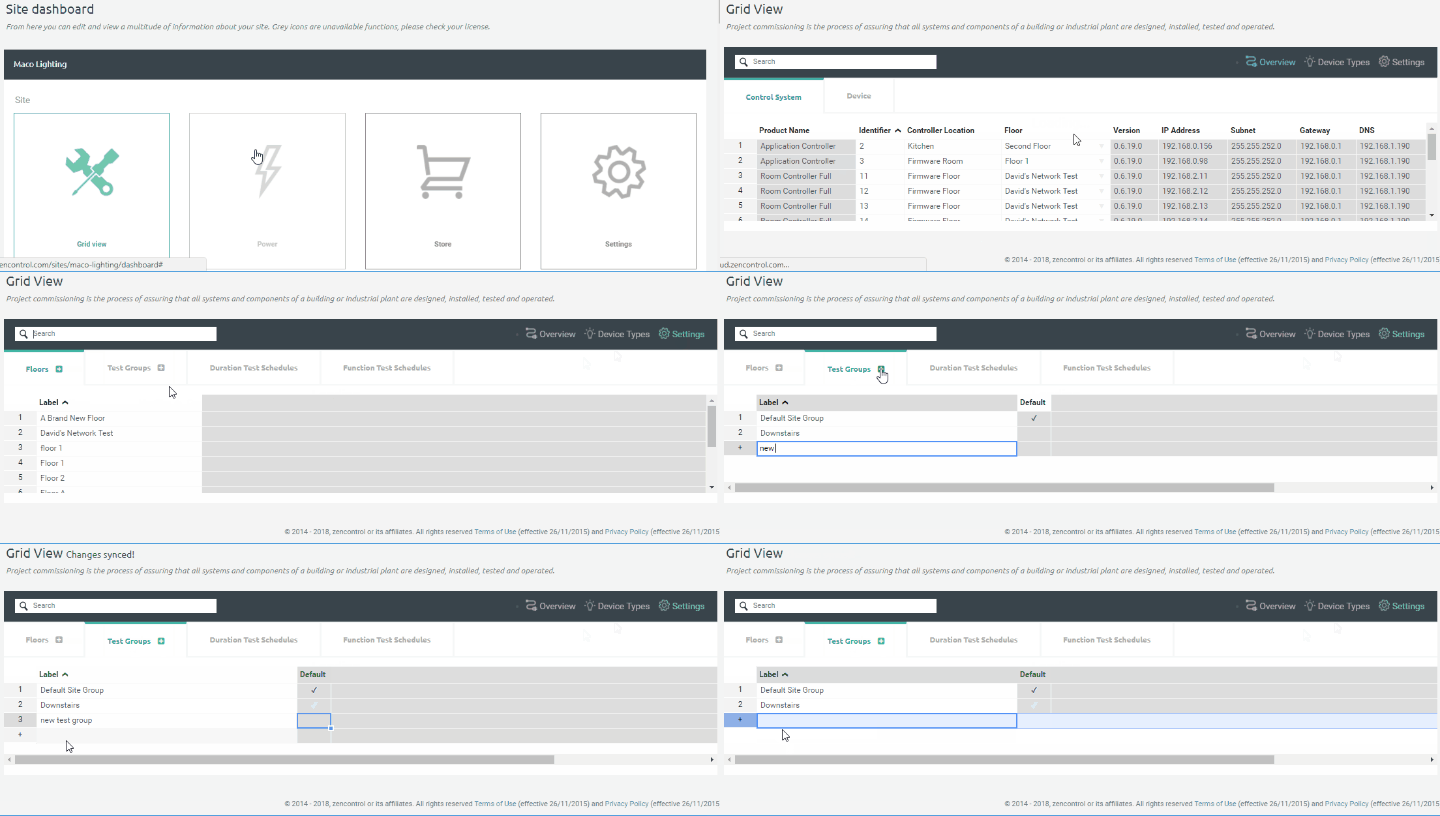
In grid view, select Settings -> Test Groups. Within this view you can add and remove test groups.
Left clicking on the row number or right clicking on a cell will bring up a menu allowing you to delete a test group.
When a test group is removed, any devices assigned to that group will need to be moved into another group.
Comments
0 comments
Article is closed for comments.