
Relationship maps can be accessed from plan view or grid view.
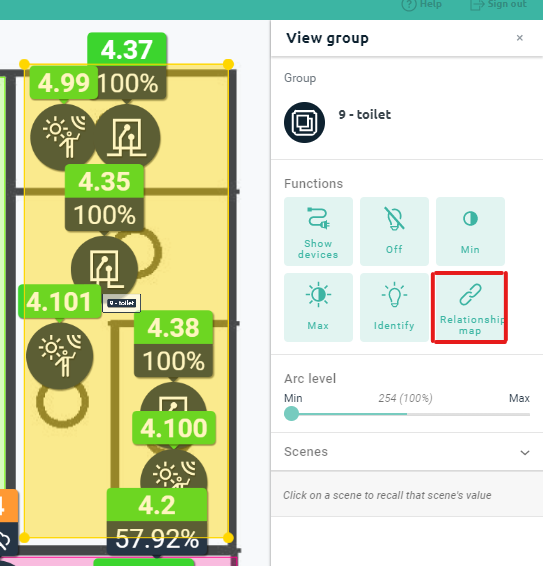
To view a relationship map from plan view, select the target group on plan view when in view mode. A relationship map function button will appear in the right-hand sidebar. Clicking the button will launch a new tab and load the relationship map for the selected group.
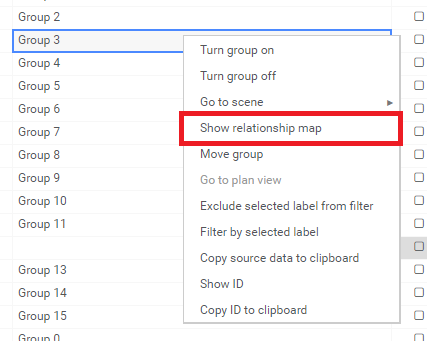
To view a relationship map from grid view, go to the groups view and right-click on the target group and select Show relationship map. The group must be active and only one row must be selected for the option to be selectable.
Comments
0 comments
Article is closed for comments.